Compress Image to 50KB Online Free
A simple, beginner-friendly guide to reduce image size to 50KB without making your photo blurry.
Have you tried uploading an image and received this error?
“File size must be less than 50KB.”
Don’t worry. This happens often — especially when uploading profile photos, forms, resumes, or website images.
In this guide, I’ll show you how to compress your image to 50KB quickly and safely.
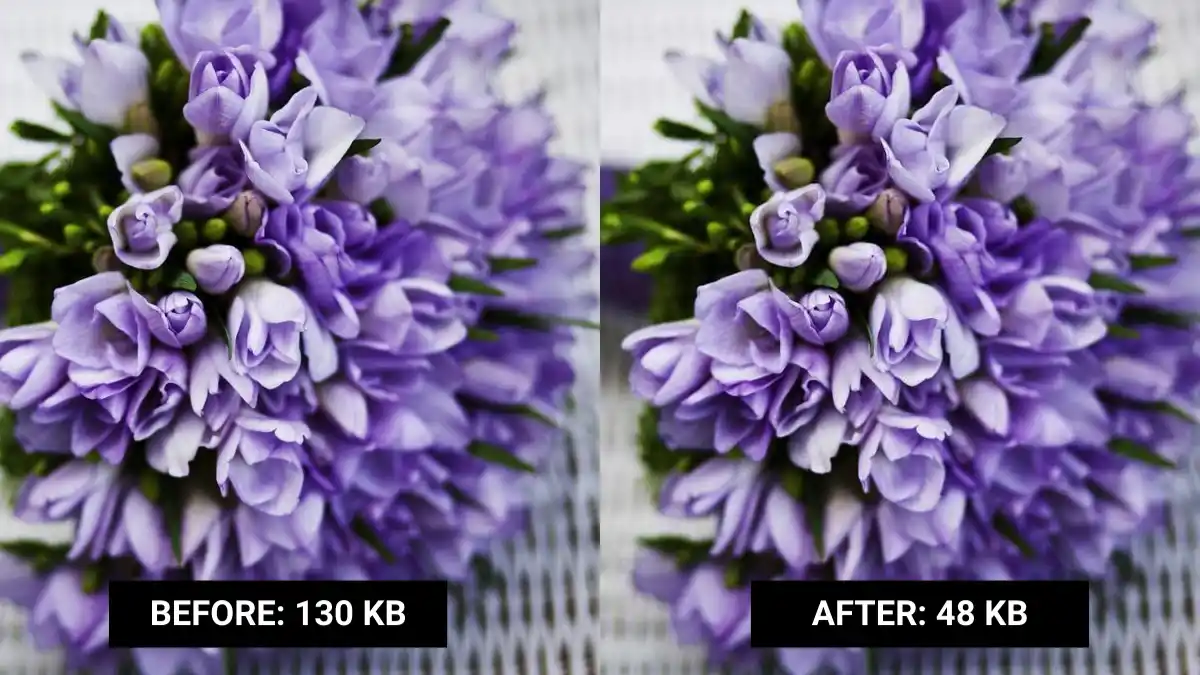
Example: Original image vs optimized 50KB version
Why Do Websites Require Images Under 50KB?
Smaller images load faster and improve mobile performance.
- Faster uploads
- Better page speed
- Lower bandwidth usage
- Improved user experience
How to Compress Image to 50KB
Step 1: Upload your JPG, WEBP or PNG file.
Step 2: Adjust compression level.
Step 3: Resize if needed.
Step 4: Download once file size reaches 50KB.
Want an easier way?
Use our free Image Compressor →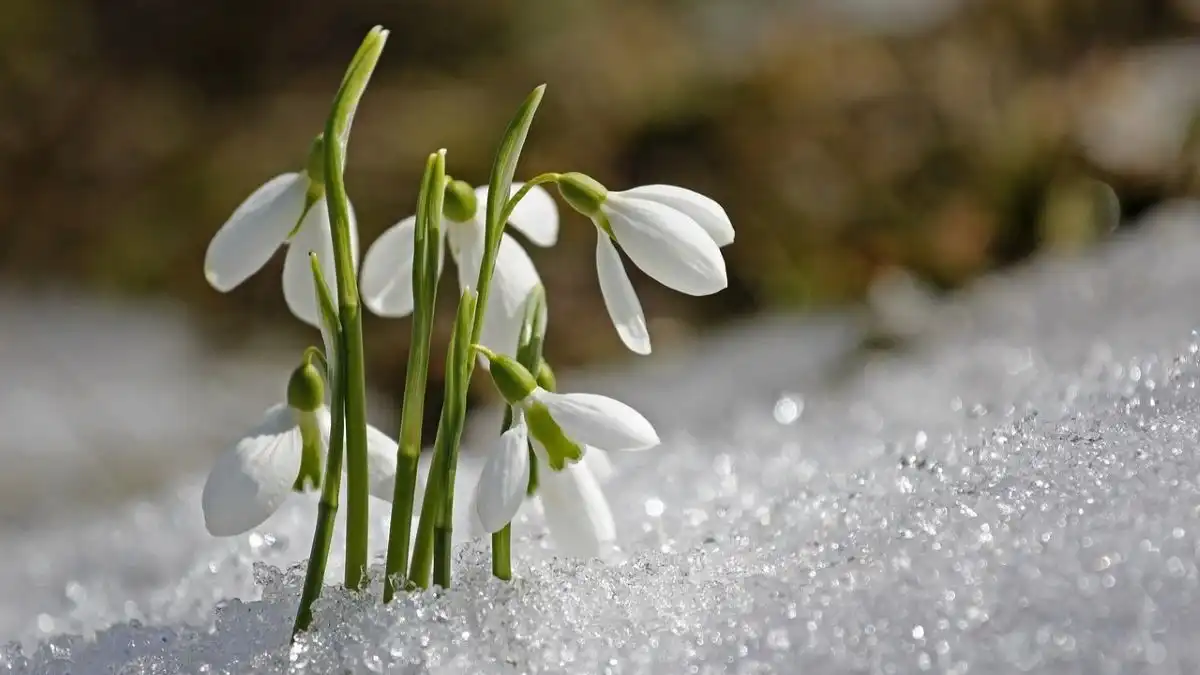
Even at 50KB, quality can remain clear
Will Quality Be Reduced?
Technically yes — but visually, most people won’t notice.
Modern compression removes hidden data while keeping the image sharp.
Common Mistakes to Avoid
- Compressing multiple times
- Ignoring image resolution
- Over-reducing quality
- Changing aspect ratio
Ready to Reduce Your Image to 50KB?
Fast. Secure. No watermark. No login required.
Compress Image NowFrequently Asked Questions
How do I make an image exactly 50KB?
Adjust compression gradually or use a tool that supports size targeting. Some tools allow you to directly enter a target file size like 50KB for precise optimization.
Can I compress image to 50KB without losing quality?
A slight reduction in quality may occur, but for most web and social media usage, the difference is barely noticeable to users.
Why is my image still larger than 50KB?
Your image resolution may be too high. Try resizing the dimensions before compressing to achieve a smaller file size.