How to Convert Code to Image Online (Without Screenshot Tools)
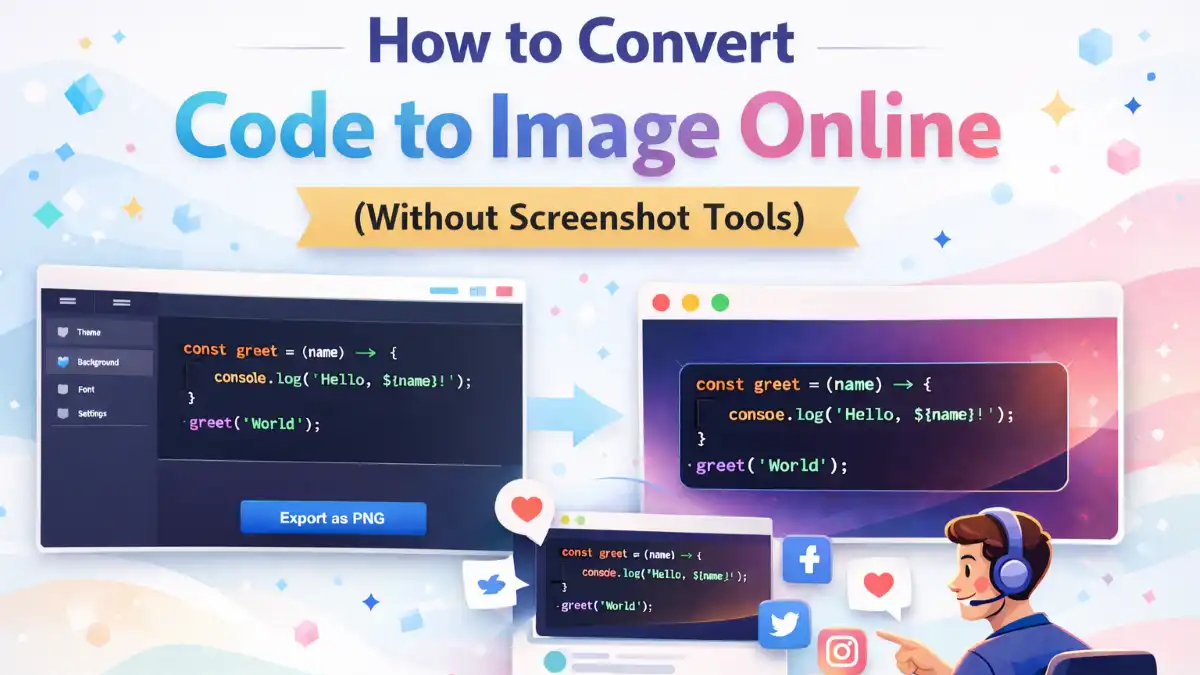
Developers share code daily on blogs, Facebook, LinkedIn, and documentation. Yet most still rely on screenshot tools to capture snippets. That approach reduces clarity and looks unprofessional.
If you want sharp, professional, social-ready code snippets, you should use a dedicated code to image generator instead of screenshots.
Why Screenshot Tools Are Outdated
- Blurry text after compression
- No theme customization
- No padding or layout control
- Inconsistent branding
Step-by-Step: Convert Code to Image Online
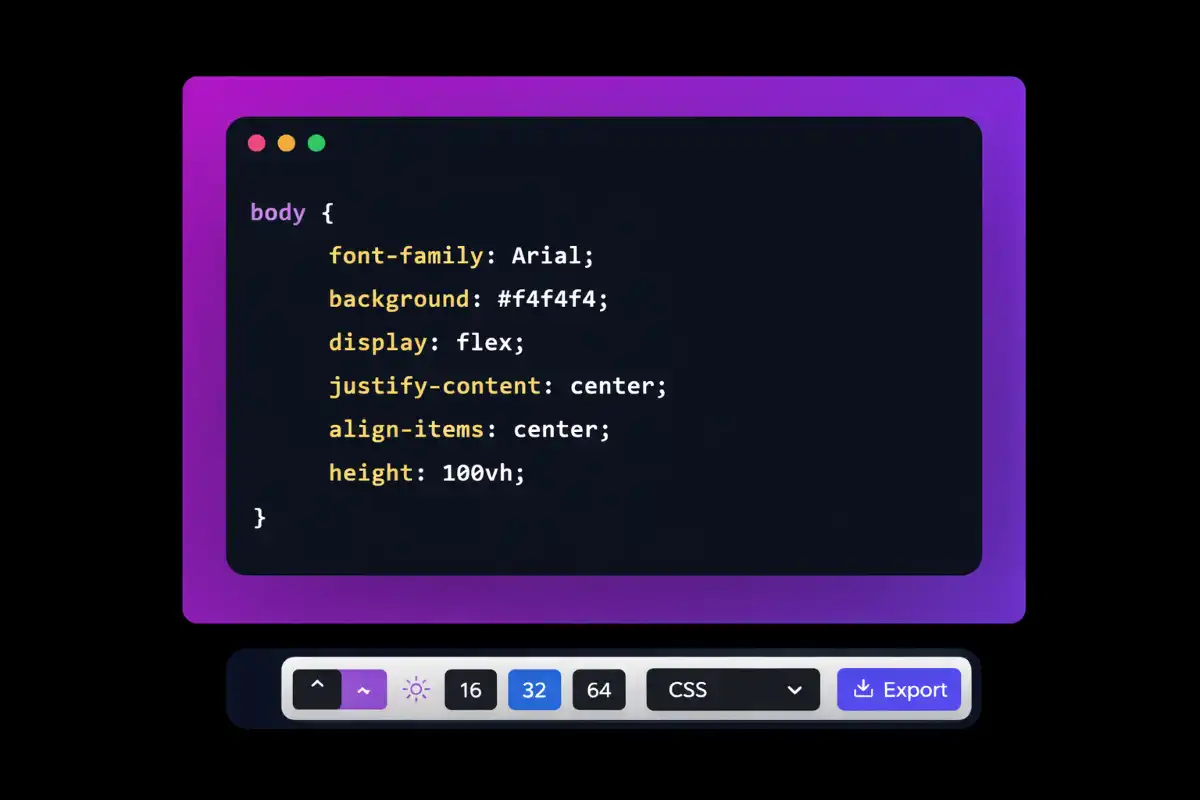
- Copy clean, formatted code.
- Paste into your code to image tool.
- Select programming language.
- Choose a theme (dark themes work best).
- Set padding.
- Export as PNG.
Why You Should Stop Using Screenshot Tools Today
Screenshot tools are:
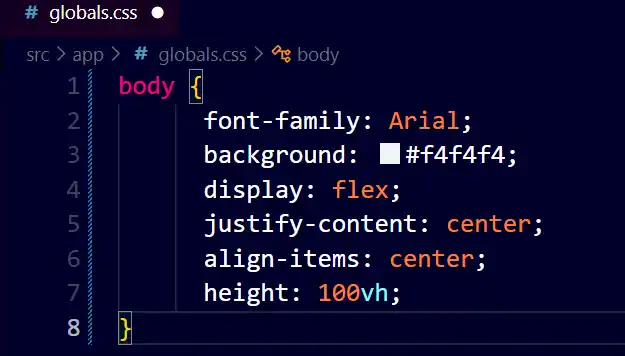
- Inconsistent
- Low quality
- Hard to brand
- Not scalable
Who Should Use Code to Image Tools?
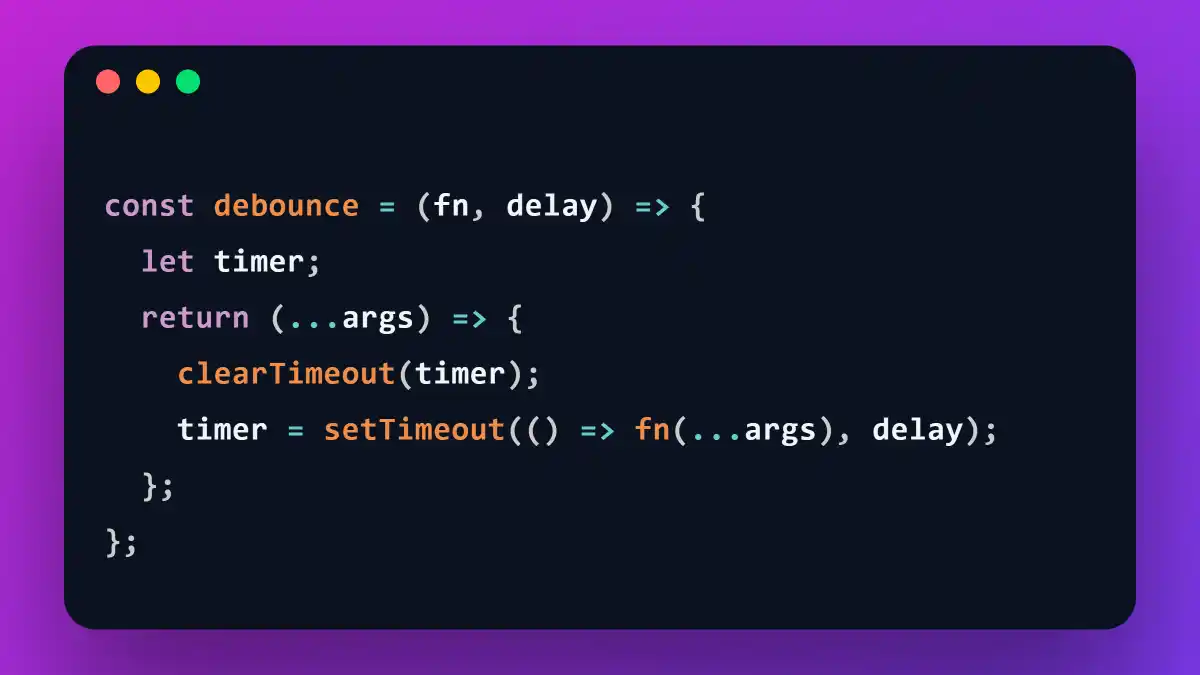
If you share code publicly, this tool is essential.
- Frontend developers
- Backend engineers
- Coding instructors
- Tech influencers
- SaaS founders
- Students building portfolios
Advanced Use Cases
Beyond social media:
- Course materials
- Documentation visuals
- Blog hero graphics
- YouTube thumbnails
- LinkedIn carousel posts
- Twitter threads
One tool. Multiple distribution channels.
SEO Tips for Code Images for Social Media
- Use keyword-rich file names
- Add descriptive alt text
- Compress without losing clarity
- Include structured data
Why Code Images Improve Branding
Professional visuals increase engagement, improve click-through rates, and help you build authority as a developer or educator.
Final Thoughts
Converting code to image online is the modern solution for developers who care about quality and branding. It takes seconds, but the impact on perception is massive.
🚀 Ready to Create Beautiful Code Images?
Stop using outdated screenshot tools. Try our free Code to Image Generator and create stunning, high-resolution code snippets in seconds.
Try Code to Image Tool NowFrequently Asked Questions
What is a code to image generator?
It converts source code into a styled image with syntax highlighting and export options.
Is it better than taking screenshots?
Yes. It provides higher clarity, customization, and branding consistency.
Which format is best?
PNG is recommended because it preserves text sharpness.